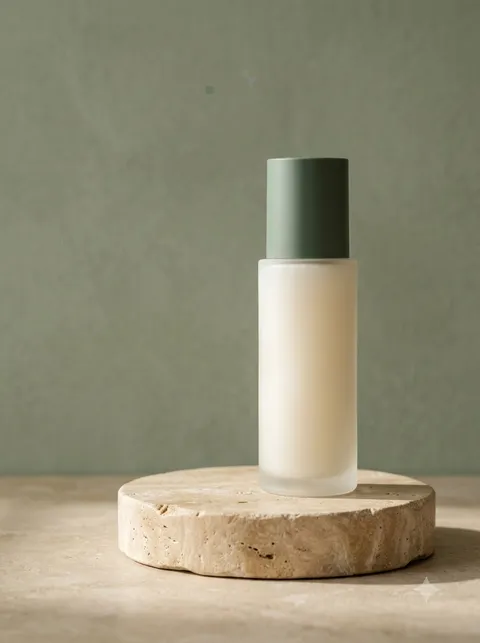
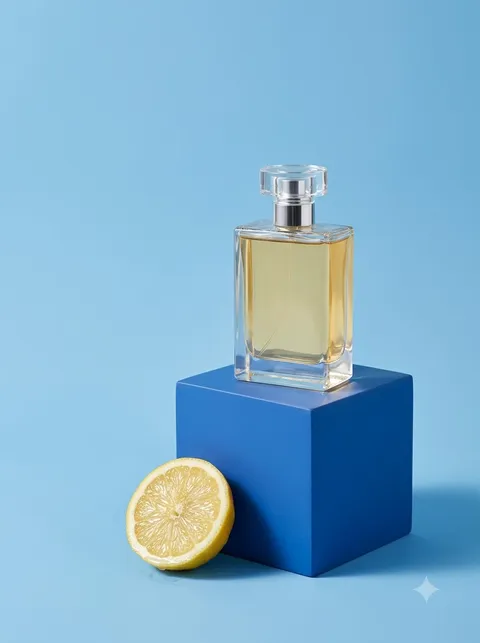
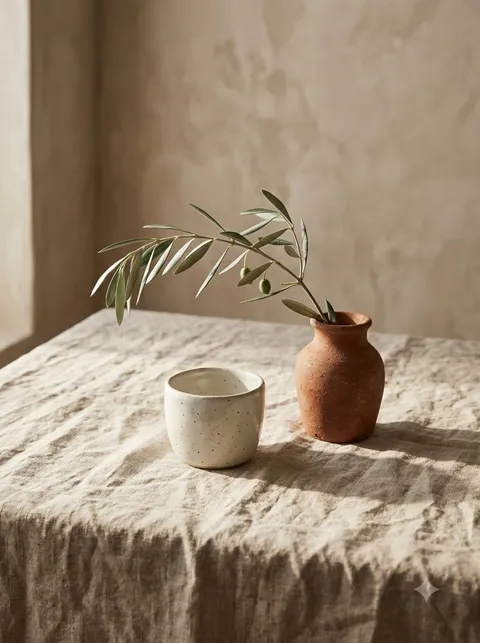
Paper & material compositions
Choose between botanical scenes, paper textures and a warm plaster background.
About this set
Choose a scene or a material background for an editorial layout, then assess texture scale and space for graphics.
| Subject | Prompt | In the image | Check |
|---|---|---|---|
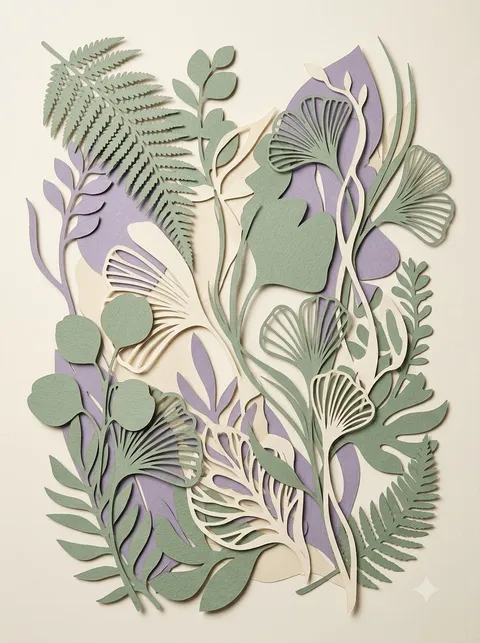
| Paper botanicals | Open the prompt | Cut-paper leaves build a botanical composition with physical-looking depth, restrained colour and delicate shadows. | Inspect thin stems and leaf overlaps for accidental joins and implausible cuts. |
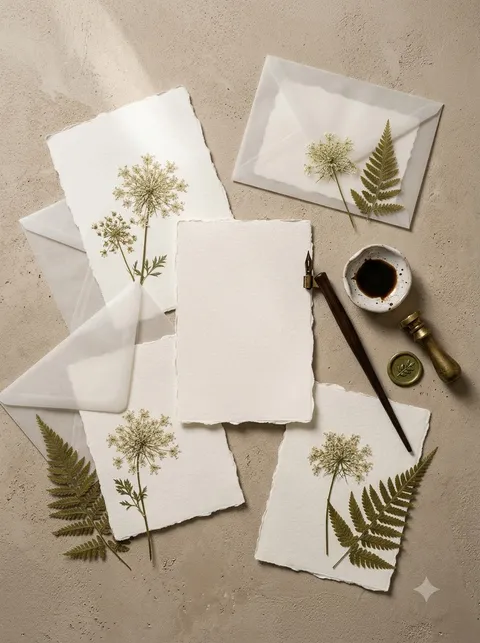
| Botanical stationery | Open the prompt | A top-down study of handmade paper, vellum and pressed botanicals with enough space to read the materials. | Check that the pen, stamp and thin stems remain distinct objects rather than merging at their edges. |
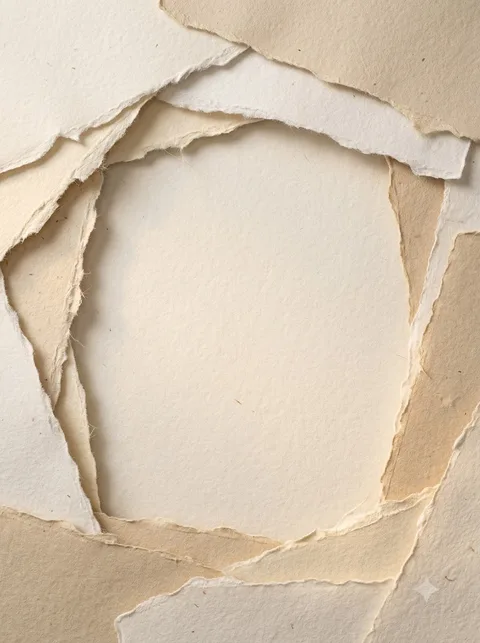
| Torn-paper frame | Open the prompt | Torn paper layers form an irregular border around a quieter central area for layout exploration. | Inspect fibre edges and the continuity of the frame at full resolution. |
| Paper layers | Open the prompt | Horizontal deckled edges and soft contact shadows turn stacked ivory sheets into a tactile background. | Check that overlaps remain readable rather than merging into an impossible edge. |
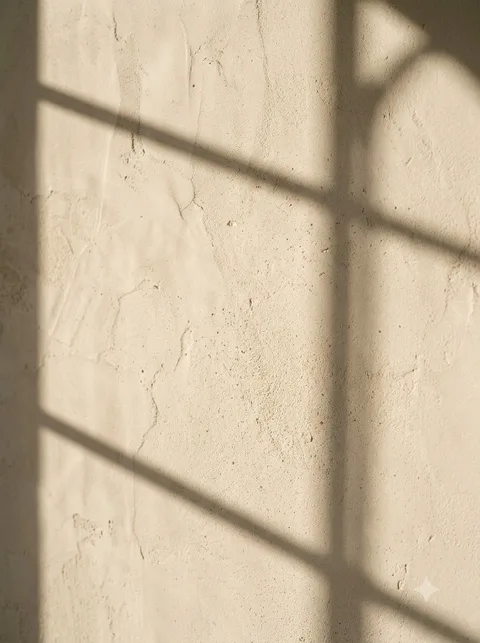
| Window shadows | Open the prompt | Window-frame shadows cross a warm plaster surface, combining fine texture with a strong graphic structure. | Check whether shadow boundaries and light direction suit the intended scene. |
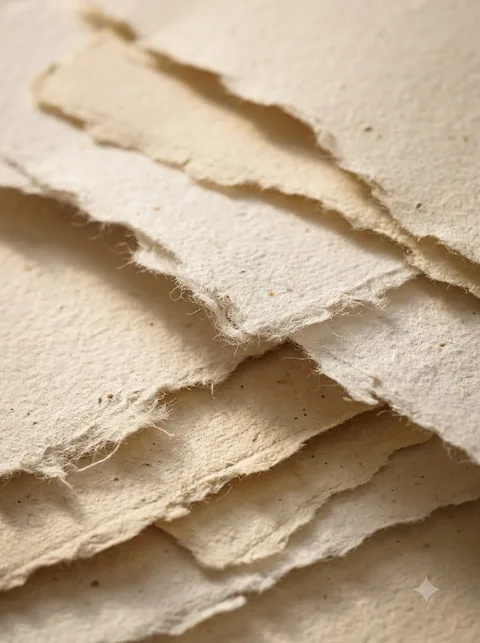
| Paper fibres | Open the prompt | A close view of overlapping ivory paper reveals loose fibres, uneven tears and small edge shadows. | Inspect fibres for fused or implausibly repeating strands. |
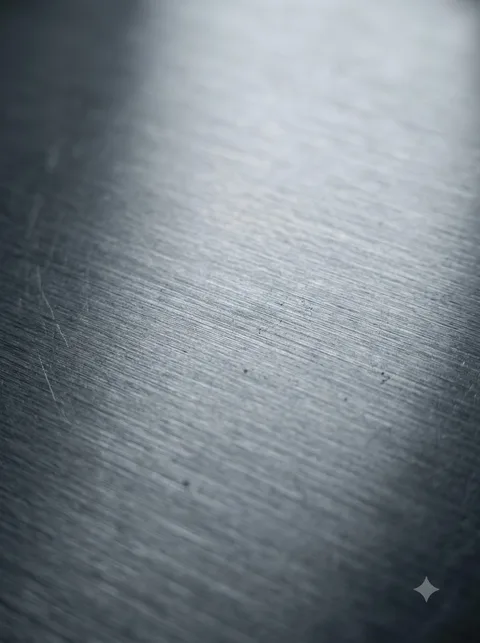
| Brushed aluminium | Open the prompt | Fine directional brushing and a broad soft highlight describe a cool aluminium surface. | Inspect grain consistency and accidental repeating marks. |
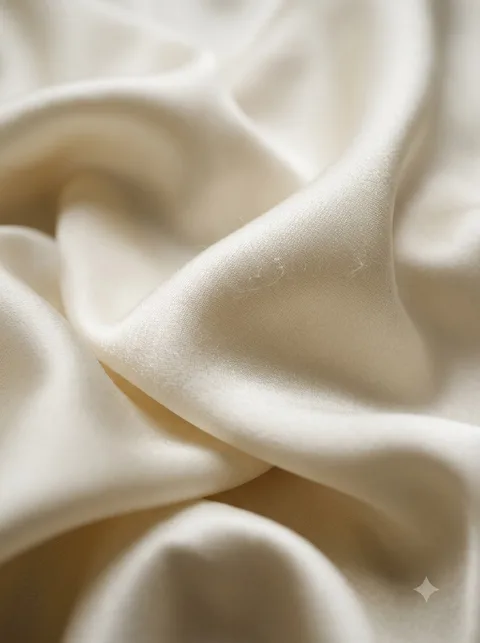
| Silk detail | Open the prompt | A close silk fold combines fine weave with broad, gently changing ivory highlights. | Check fold continuity and the transition between sharp and soft areas. |
Working with this set
- Choose whether the subject is artwork made from paper or objects arranged on paper. State that distinction before changing colours.
- Use the front-view illustration for a motif-led concept, or the overhead still life for a photographic layout reference.
- Add final typography in your design tool. The paper layers shown here are part of a single raster image.
Questions
Is the illustration a vector or layered file?
No. It depicts paper layers within one raster image. Editable shapes require a separate design step.
Can I add a headline over the existing image?
Check the space and contrast at your intended crop. If the headline does not fit, request more room in a new generation.